SEO & Performance
Technical SEO: A Checklist for Websites That Scale
Sitemaps, structured data, redirects and the settings that keep Google happy as your site grows.
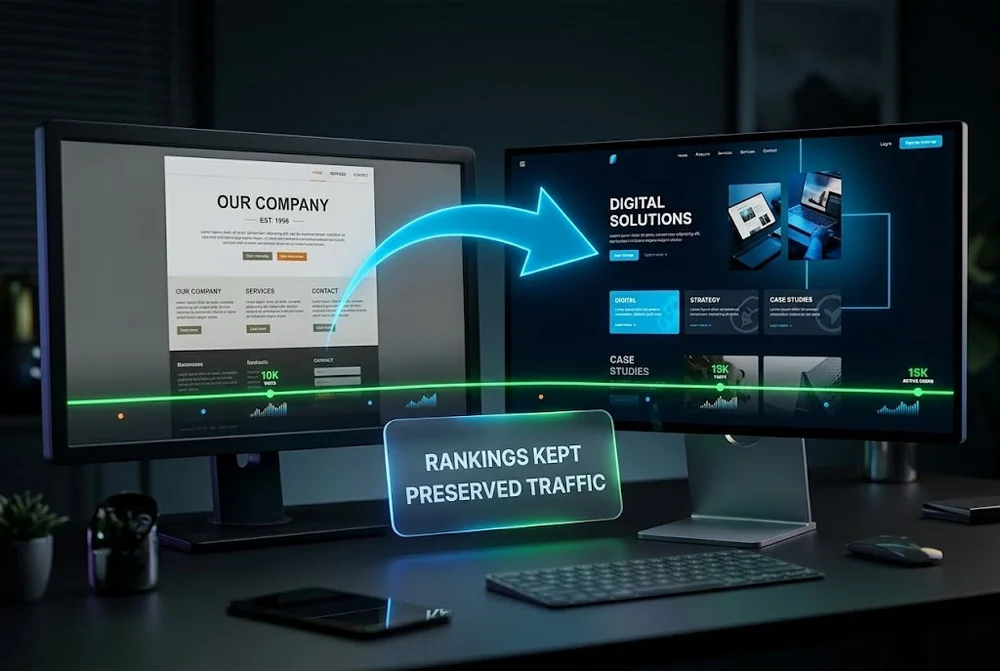
A new design should grow your traffic, not erase it. Yet plenty of businesses launch a beautiful redesign and watch rankings fall off a cliff a week later.
Almost always, the cause is not the design. It is changed or deleted URLs, lost content and broken redirects. Handle those carefully and you keep the equity you have spent years earning while the site gets better.
To redesign a website without losing rankings, inventory every existing URL before you change anything, map each old URL to its closest match on the new site, set permanent 301 redirects one to one, preserve your best-performing content and metadata, and monitor Search Console for 404s and ranking changes after launch. Most ranking loss comes from broken redirects and deleted content, not the new design itself.
Google ranks specific URLs with specific content. A redesign puts all three at risk at once: URLs change, content gets trimmed in the name of a cleaner look, and redirects are added in a hurry or forgotten. Add a staging site that was blocked from search and never unblocked, and a launch can quietly wipe out months of progress.
The fix is process. Every step below exists to carry your existing ranking signals across to the new site intact.
You cannot preserve what you have not measured. Crawl the current site and export a complete list of URLs before any work begins. Pull the pages that drive traffic, conversions and backlinks from analytics and Search Console, and record baseline rankings for your important terms.
This inventory becomes your safety net. It tells you which pages must survive the move and which can be merged or retired on purpose rather than by accident.
If URLs change, every old URL needs a permanent 301 redirect to its closest match on the new site. Use 301, not 302; a 302 is temporary and does not pass ranking authority reliably.
The redirect map is not optional on any migration that changes URL structure. It is the document that carries your rankings across.
A redesign is a visual project, but rankings live in the content. Keep the title tags, meta descriptions, headings and body copy of your best-performing pages, and resist the urge to cut text for a sparser look unless you have a stronger version to replace it.
Carry over internal links and a logical heading structure too. If you are consolidating pages, fold the strongest content into the survivor rather than deleting it.
Build on a staging site that is blocked from search, then make removing that block the first item on your launch checklist. Forgetting to lift a noindex is one of the most common and most damaging redesign mistakes.
On launch, submit the new XML sitemap in Search Console, test a sample of redirects, and watch the coverage and 404 reports closely. A short dip in the first few weeks is normal as Google recrawls. Fix the highest-traffic 404s first and rankings usually recover.
It does not have to. Ranking loss after a redesign almost always comes from changed or deleted URLs, lost content and broken redirects, not the new design. Inventory your URLs, map 301 redirects and preserve your best content and the move is safe.
Where you can, yes. Keeping a URL means no redirect is needed and no authority is at risk. Only change a URL when there is a clear reason, and always add a 301 redirect to the new address when you do.
Use 301 redirects. A 301 is permanent and passes ranking authority to the new URL, while a 302 is temporary and does not transfer that authority reliably. For a redesign, every moved page should use a 301.
Expect a temporary dip for a few weeks while Google recrawls and reprocesses the new site. With redirects and content handled properly, rankings usually return, and often improve, within four to eight weeks.

Sitemaps, structured data, redirects and the settings that keep Google happy as your site grows.
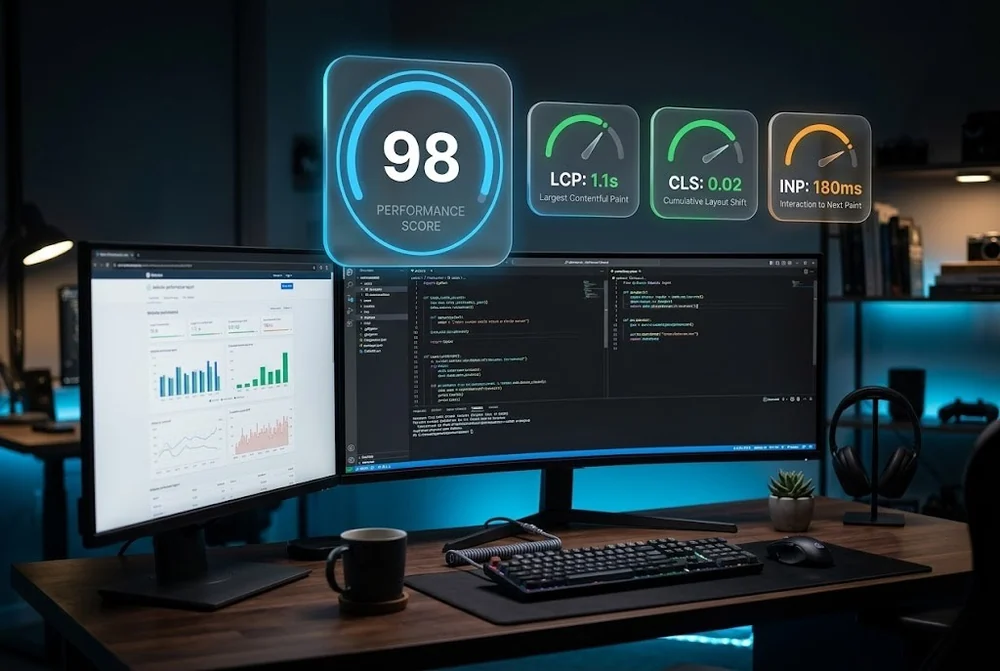
What actually moves LCP, CLS and INP, plus the website speed wins most teams skip.

How to structure content, schema and authority so ChatGPT, Perplexity and Google AI Overviews quote your site.
From first sketch to launch day, we design sites that look unforgettable and convert like they mean it.